
Save from anywhere
Hit Share in Safari, Photos, Maps or Files and pick FaveNest. It saves first and tidies up afterwards, so it still works with no signal.


Native for iPhone, iPad and Mac
Save links, notes, photos and files in one tap. They land in a library that sorts itself out — and Pro has Apple Intelligence write the title, the summary and the tags, on your own device.
Free to use. Pro starts with a free trial — no account either way.
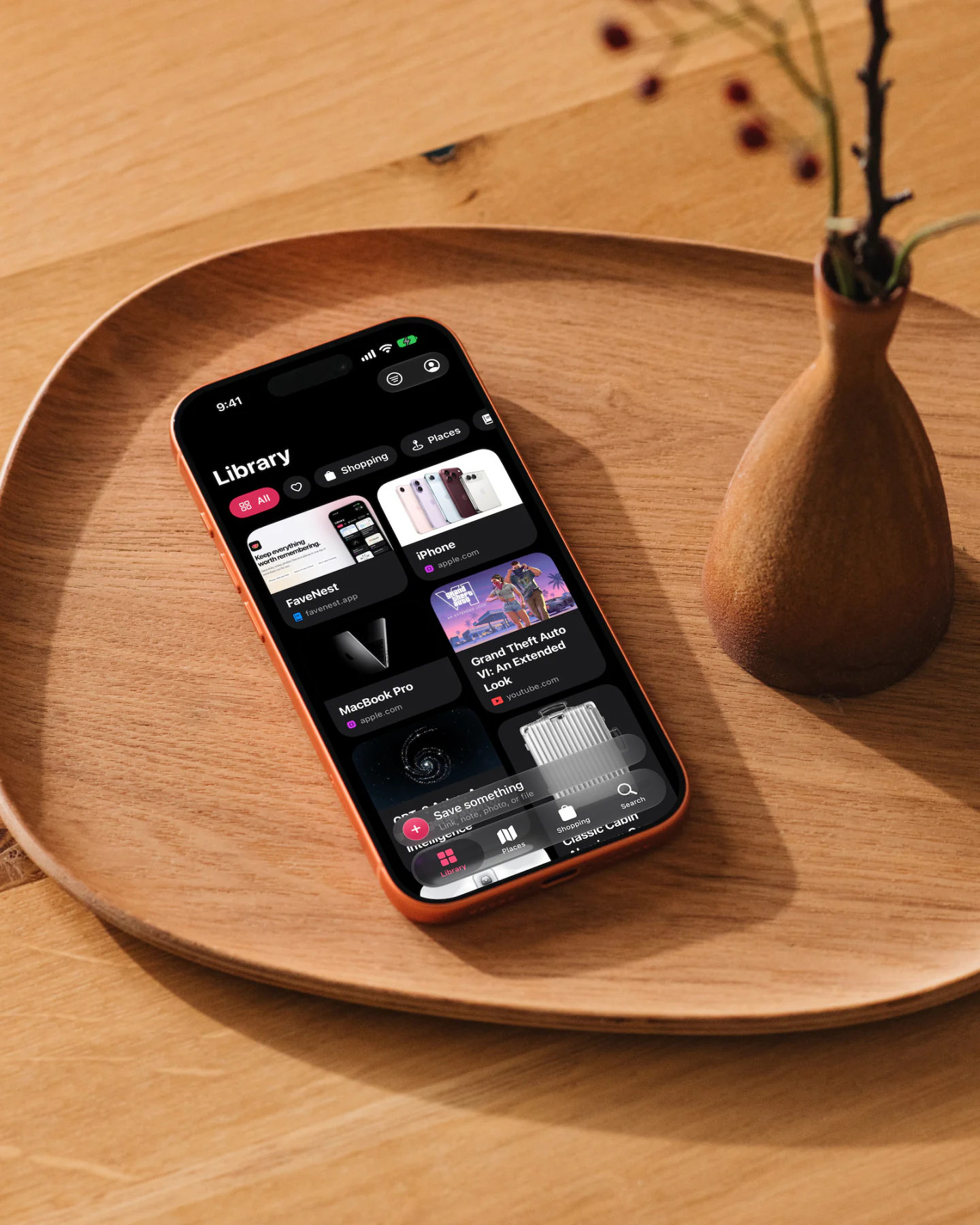
Made for every screen
FaveNest is native on iPhone, iPad and Mac, made for iPhone Duo, and comes with a companion app on Apple Watch. Save on one, pick up on another, and find the same private library waiting in your own iCloud.
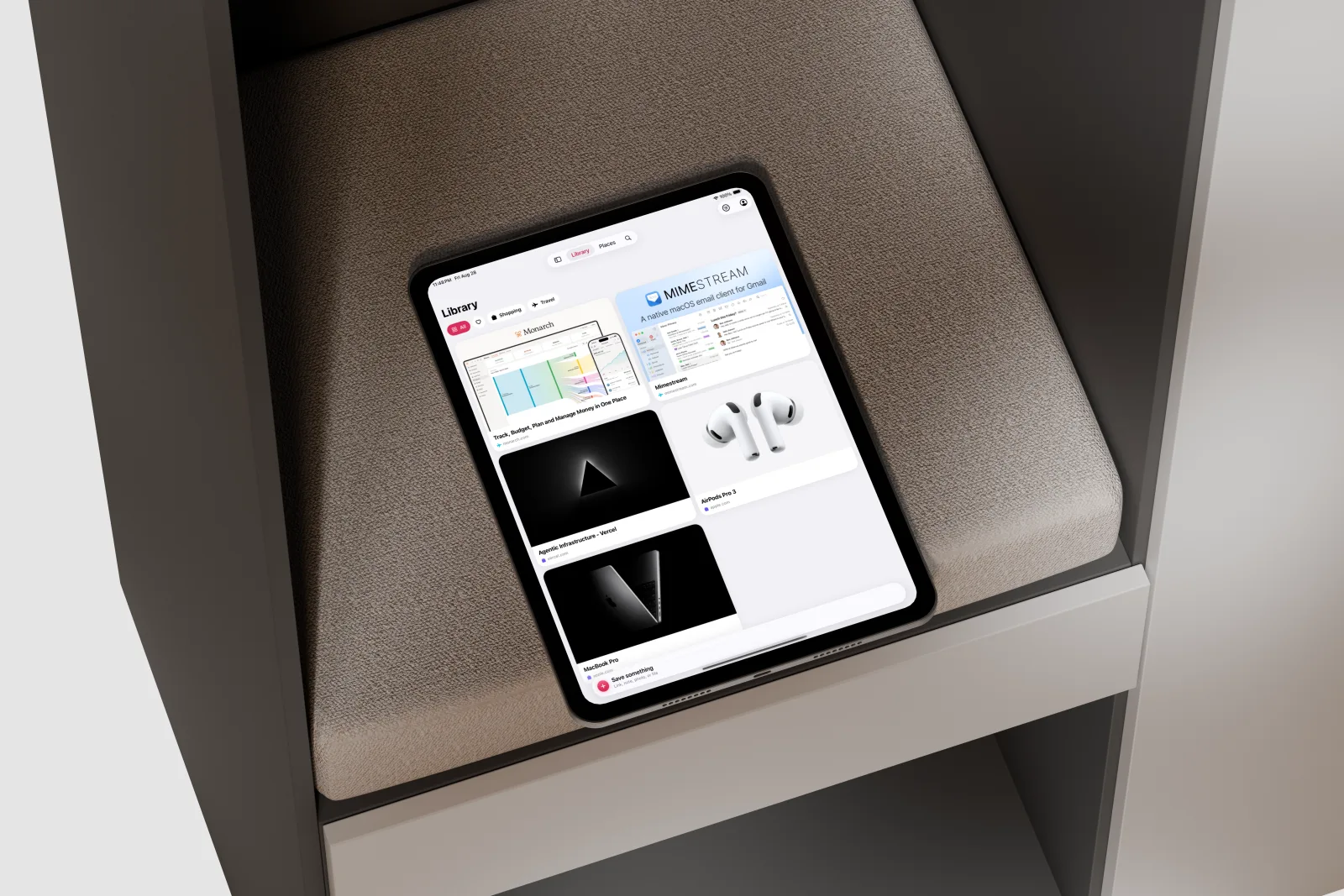
More room to browse, sort and rediscover.

Your whole library, ready for a bigger screen.
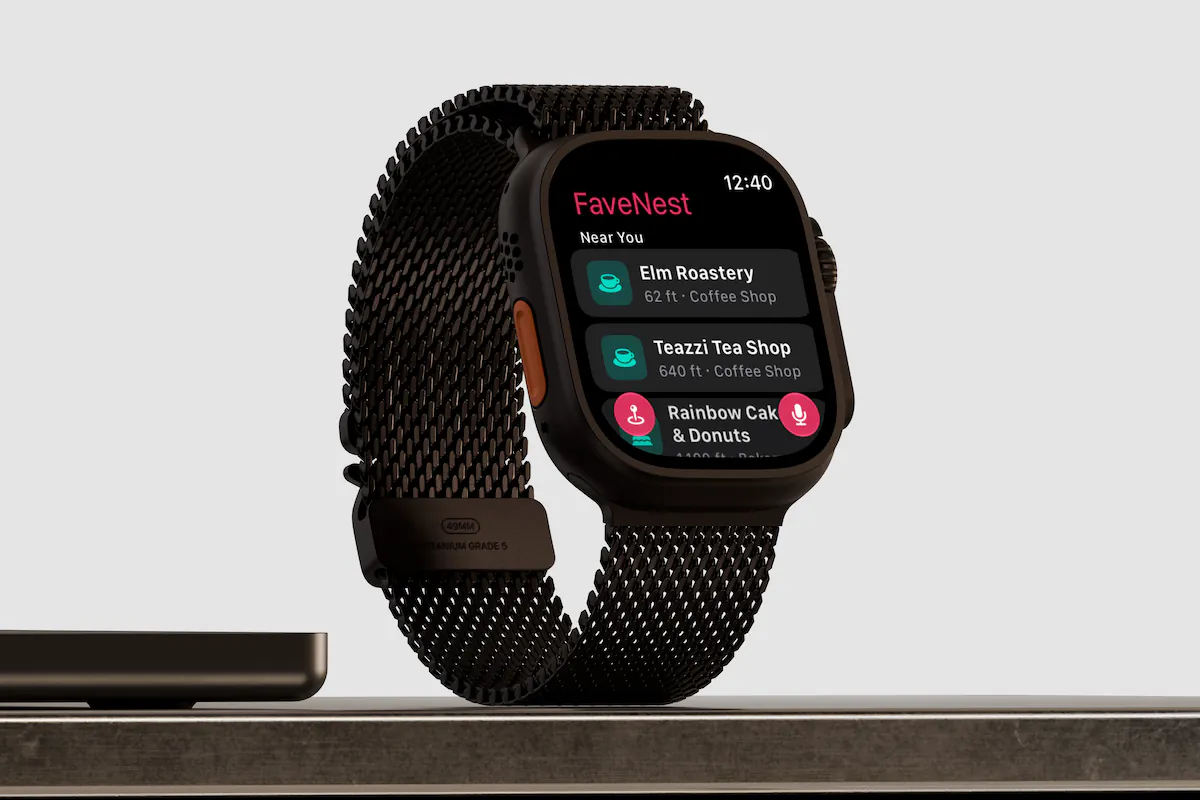
Quick saves on your wrist, and with Pro, saved places near you.
What it does
Bookmarks pile up because nothing ever makes sense of them. FaveNest does that part for you.
Apple Intelligence writes the title, a short summary and the tags, on your device, so nothing you save is sent off to be read. No Apple Intelligence on yours? Bring your own OpenAI or Anthropic key.

Search looks past accents and word endings, so “cafe” finds Café and “restaurants” finds restaurant. Filter by type, category, tag or date, see saves about the same thing under Related, or search from Spotlight.

Type a question in Search, like “Which Mac apps did I save?”, and get a short answer with the saves it came from. Apple Intelligence answers on your device, or the cloud model you added your own key for.

Choose Remind Me in any save’s menu: Later Today, Tomorrow, This Weekend or a time you pick. It goes off on your iPhone, iPad and Mac, and tapping it opens the save.

Tap Read on a saved article for a clean page with the reading time. Your device keeps a copy of each article it saves or opens, so it reads offline, and Translate handles a passage in another language.

Widgets show Recent Saves, Favorites, a category you choose, or one older save a day from your library, on the Home Screen and your Mac’s desktop. Controls start a save, a note or a search from Control Center or the Action button.

Hit Share in Safari, Photos, Maps or Files and pick FaveNest. It saves first and tidies up afterwards, so it still works with no signal.
“Save this PDF to FaveNest.”
“Search FaveNest for running shoes”, or save a page, a note or a PDF without opening the app, even from the Lock Screen.
Say a thought or save the spot you’re standing on, right from Apple Watch.
Save a map link and the spot lands in Places, with Look Around imagery and a filter by city. Switch to the map to see everywhere at once.

Pocket · Raindrop.io · Instapaper · Pinboard · Savespace · Safari
Import the export file, and titles, notes, tags, favorites and dates come along. Anything already saved is skipped.
Coral, amber, plum, teal, graphite or blue. The one you pick stays, even if Pro lapses.

Closed, your library sits beside the bar. Open it up, and a save opens as two pages: the picture, then the text.


How it works
Choose Share in any app and pick FaveNest. It’s saved before you return to what you were doing.
FaveNest grabs a preview and fills in the title, the summary and the tags — written by Apple Intelligence on Pro, or by a cloud model you bring a key for, and taken from the page itself otherwise. You never fill in a form.
Browse the grid, filter by category or tag, search for it from Spotlight, or set a reminder and let it come back to you.
Privacy
FaveNest has no backend, on purpose. It’s not a promise to handle your library carefully. There’s simply nowhere for it to go.
Read the privacy policyPricing
Saving, syncing, searching, reminders and reading never cost anything. Pro is the part that reads what you saved, writes it up and answers your questions about it.
$2.99a month
The first week is free.
$19.99a year
The first week is free. Works out at $1.67 a month.
$49.99once
Pay for it once and keep it for good.
Prices shown are US App Store prices and vary by region. The free trial is once per Apple Account, and a subscription renews until you cancel it under Subscriptions in your Apple Account settings. Full detail in the Terms of Use.
The app is free, and it stays useful without paying. Saving, syncing, search, reminders, the offline reader, widgets, import and export are all yours. FaveNest Pro is the optional upgrade for the models and a few extras.
Pro has Apple Intelligence, or a cloud model with your own key, write the title, summary, category and tags of every save, and answer the questions you ask your library in Search, with the saves each answer came from. Organize Earlier Saves gives the models what you saved before, without touching anything you changed yourself; with a cloud model, each of those saves is billed to your own key. Pro also adds the Places map, unlimited custom categories, every accent color and Near You on Apple Watch.
$2.99 a month, $19.99 a year, or $49.99 once for good. Both subscriptions open with a week free, and every plan is shared with your family. Those are US prices; your App Store may show a different one.
You keep everything Pro already did. Titles and summaries stay written, the categories you made stay in place, and the color you picked stays yours. Pro only stops adding to it. Cancel any time under Subscriptions in your Apple Account settings.
No. There’s no sign-up and no password. Syncing uses the iCloud account already on your devices.
Not unless you ask it to. Titles, summaries and tags are written, and questions about your library answered, by Apple Intelligence on your own device, and paying for Pro doesn’t change that — it’s the same models, running in the same place. The one exception is a key you add yourself: with your own OpenAI or Anthropic key, the text of a save goes straight from your device to that provider, under your own account. A question you ask sends only the question and short excerpts of the up to twelve saves that best match it, and nothing at all if none match. There’s no FaveNest server in between, and we never see the key or what it sends.
Everything still works. You get a plain title and the page’s own description instead of a written summary, and saving never waits on it either way. With Pro you can also bring your own OpenAI or Anthropic key, and a cloud model writes the titles, summaries and tags, and answers your questions, on that device instead. Pro’s Places, categories and colors work on every device FaveNest runs on.
Yes, with Pro. Add it under Settings > Intelligence > Cloud Model, where any OpenAI-compatible service works too, and a cloud model writes your titles, summaries, categories and tags, and answers what you ask your library. On a device with Apple Intelligence, you choose whether it only steps in as a fallback, where Apple Intelligence can’t answer, or handles every save. The key lives in your iCloud Keychain, end-to-end encrypted, so you enter it once and it follows you to your other devices. We never see it, and the provider bills your own account.
Yes, on any plan. Tap Read on a saved article and FaveNest shows a clean copy, with headings, quotes, lists and code, that it keeps on the device that saved or opened the page, so it reads with no connection. An article saved on another device reads offline once you’ve opened it there while online, and Translate puts a passage into another language. Videos, social posts and shop pages have no reader.
On your device, and in your own iCloud if you’re signed in. Only you can read those records. We can’t see them, export them or recover them.
Yes, on any plan. Export Library writes your whole library, with every original file, to one backup you can keep anywhere and load back in later.
Yes, on any plan. Export your library from Savespace, Pocket, Raindrop.io, Instapaper, Pinboard, Safari or another browser, or use any file with links in it. Then choose Import from Another App in Settings > Data & Backup, or in the File menu on the Mac. Titles, notes, tags, favorites and the date of each save come along, anything already in your library is skipped, and everything organizes itself in the background. FaveNest reads the file on your device and never signs in to the other service.
Say “Search FaveNest for running shoes” to open Search on that term, or “Save this page to FaveNest”, “Save a note to FaveNest” or “Save this PDF to FaveNest” to keep something without opening the app. The same actions are in Shortcuts. On iPhone and iPad, visual intelligence, from the camera or a screenshot, shows the saved items that match what it sees. Saving works from the Lock Screen; looking through your library waits until your device is unlocked.
An iPhone on iOS 26 or later, an iPad on iPadOS 26 or later, or a Mac on macOS 26 or later. FaveNest for Apple Watch needs watchOS 26 or later and an iPhone with FaveNest.
Yes, for Safari on iPhone, iPad and Mac. Turn on FaveNest under Settings > Apps > Safari > Extensions on iPhone and iPad, or Safari > Settings > Extensions on the Mac, and Save to FaveNest keeps the page you’re reading. There’s no extension for other browsers yet, but you can import their bookmarks.
Nothing to set up and nothing to keep tidy. Save one thing and see where it ends up.